Choose your goal
Set up a weight-loss, maintenance or weight-gain goal. Your Programme gives your daily tracking a purpose.
Programmes
Choose a goal, set up your Programme and follow your intake against daily targets. CutWise brings your calorie budget, nutrition log and progress into one view.

Free to start. Optional Pro subscription.
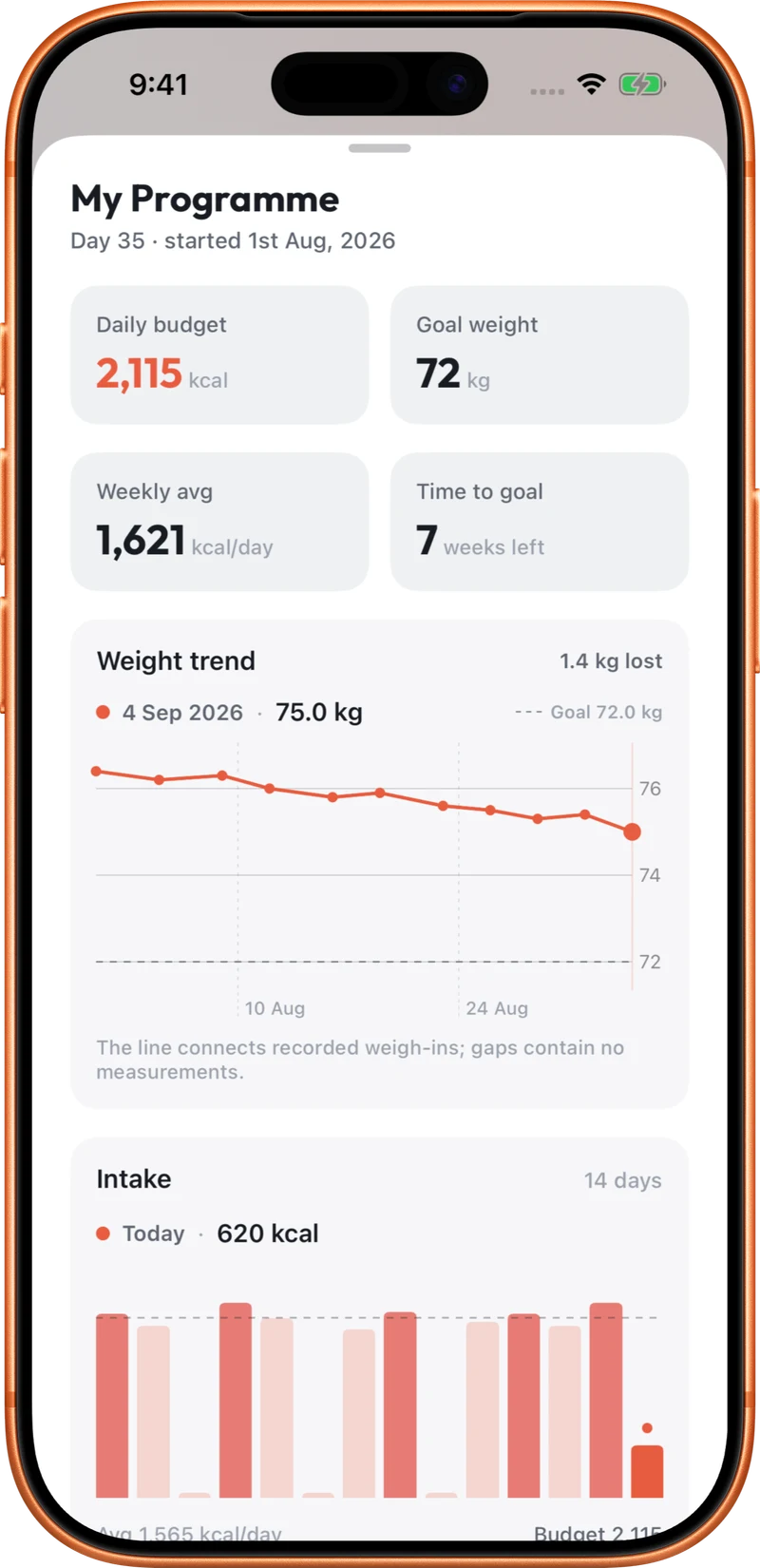
Set up a weight-loss, maintenance or weight-gain goal. Your Programme gives your daily tracking a purpose.
CutWise uses your profile, activity level and goal settings to estimate a calorie target. Review the settings so they reflect your starting point.
Log your meals and weigh-ins, then review your intake and weight trend over time. Revisit your Programme settings as your circumstances change.
Your chosen activity level already forms part of the target calculation. Logged workouts do not increase your food budget by default. If you want them included, you can opt into eating back logged workouts in onboarding or Settings. The Programme is a tracking tool: an estimated target and a chart do not guarantee a particular weight or body-composition result.
Keep your goal, activity level and workout budget setting consistent with how you intend to use the app, so the daily numbers are easier to interpret.
CutWise supports weight loss, maintenance and weight gain. Each gives your tracking a different direction.
Only if you opt into eating back logged workouts. Otherwise your Programme uses a steady daily target based on your settings.
Yes. Ask Ember Coach about your targets or whether your recent logged intake is in line with your Programme. Its answers depend on the data you have recorded.
Explore food logging, your Programme, coaching and activity tracking.