Record a weigh-in
Add your weight to CutWise, or bring recorded weight into the app through Apple Health when you have granted read access.
Weight tracking
Keep your weight record alongside your food log and Programme. CutWise shows your latest weigh-in and a view of your progress, so you can look back across entries rather than relying on a single number.

Free to start. Optional Pro subscription.
Add your weight to CutWise, or bring recorded weight into the app through Apple Health when you have granted read access.
View your weight alongside the direction of your goal and your logged intake. Today keeps your latest weight close at hand.
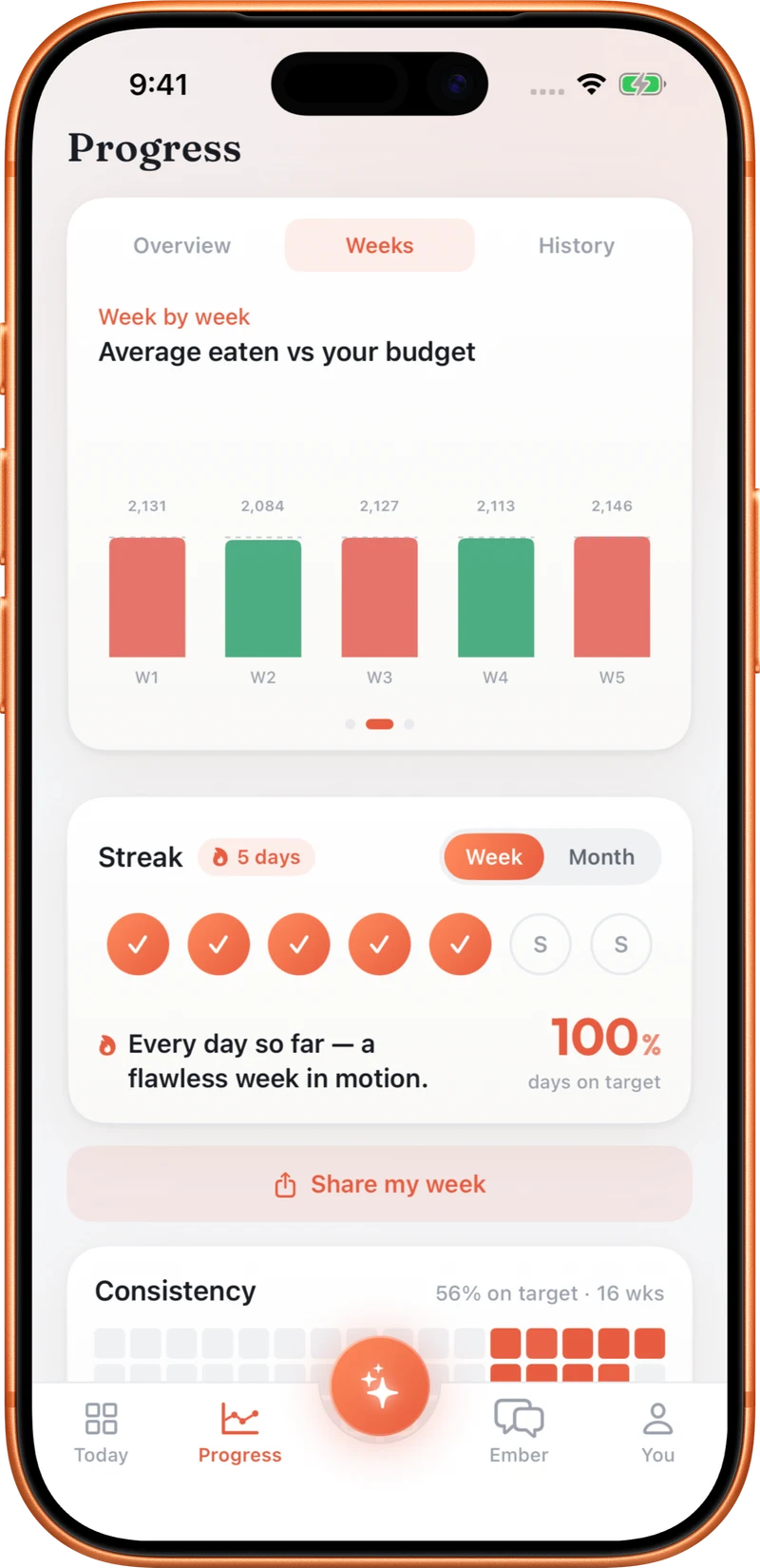
Use Progress to look across your weight history and nutrition record. A sequence of entries gives more context than the latest value alone.
Weight is one part of the picture. CutWise brings weigh-ins together with logged calories, macros and activity, and Ember Coach can use relevant weight data when discussing your Programme. Apple Health read and write permissions are separate: you choose whether CutWise can read recorded weight and save weigh-ins back. A weight chart records changes; it does not measure body composition or explain their cause.
Check the date and units when adding a weigh-in, especially if you are entering an older measurement or switching between metric and imperial.
Yes, with read permission. CutWise can also write logged weight to Apple Health when you allow that separately.
CutWise includes Home Screen widgets, including a view of your latest weigh-in.
The chart shows recorded weight, not the cause of a change. Review it in the context of your chosen goal and other recorded information.
Explore food logging, your Programme, coaching and activity tracking.