Write what you had
Include the foods and drinks, then add any quantities you know. A slice, a bowl or a weight gives the estimate more context.
Text food logging
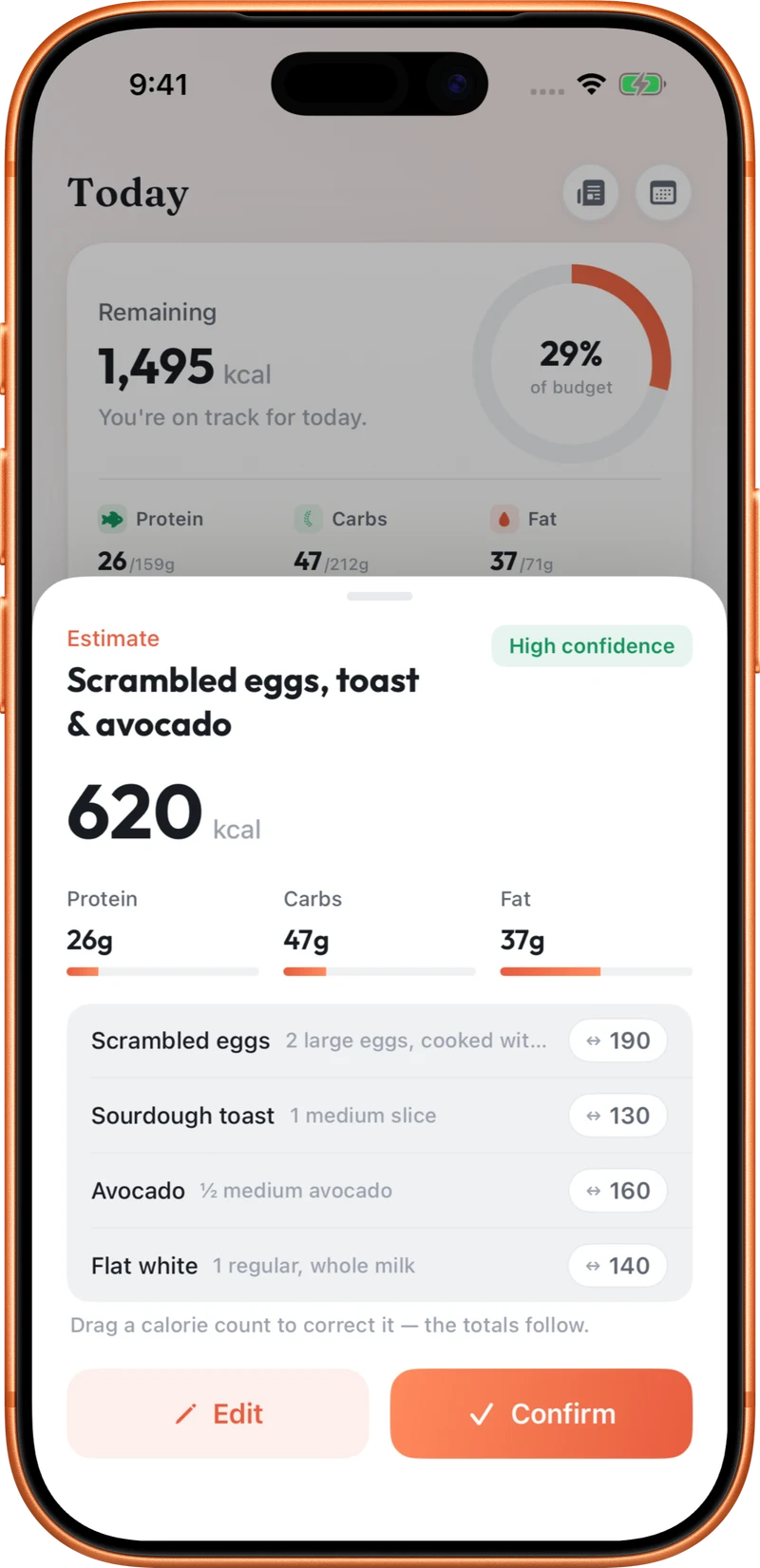
Type a meal the way you would describe it to someone: two eggs on toast, a chicken sandwich, or rice with vegetables. CutWise turns the description into an estimate for you to review.

Free to start. Optional Pro subscription.
Include the foods and drinks, then add any quantities you know. A slice, a bowl or a weight gives the estimate more context.
Review the foods, portions, calories and macros that CutWise suggests. Add context for sauces, toppings or cooking ingredients.
Adjust the estimate where needed and log the meal. Save regular meals so you can add them again without describing them from scratch.
The same plain-language approach works beyond food. Type “I did a 45 minute run” to start a workout log. Review the activity, duration and estimated calories before confirming. Workout energy is an estimate, and whether logged workouts increase your daily food budget depends on your eat-back setting.
“Chicken sandwich with mayo on two slices of sourdough” gives more context than “sandwich”. Useful details beat a long, complicated description.
For a text estimate, you describe the meal in your own words. CutWise suggests a breakdown that you can check and adjust.
Yes. Describe the activity and duration, such as “I did a 45 minute run”, then review the workout estimate before logging.
Yes. Type when you want a quiet, quick entry, or speak the description using voice logging. Photo and Scan are available for food as well.
Explore food logging, your Programme, coaching and activity tracking.