Describe your session
Use text or voice to describe what you did and for how long. “I did a 45 minute run” gives CutWise both the activity and duration.
Workout tracking
Your tracker should understand activity as easily as food. Type or say “I did a 45 minute run”, review the workout estimate, and add the session to your day in CutWise.

Free to start. Optional Pro subscription.
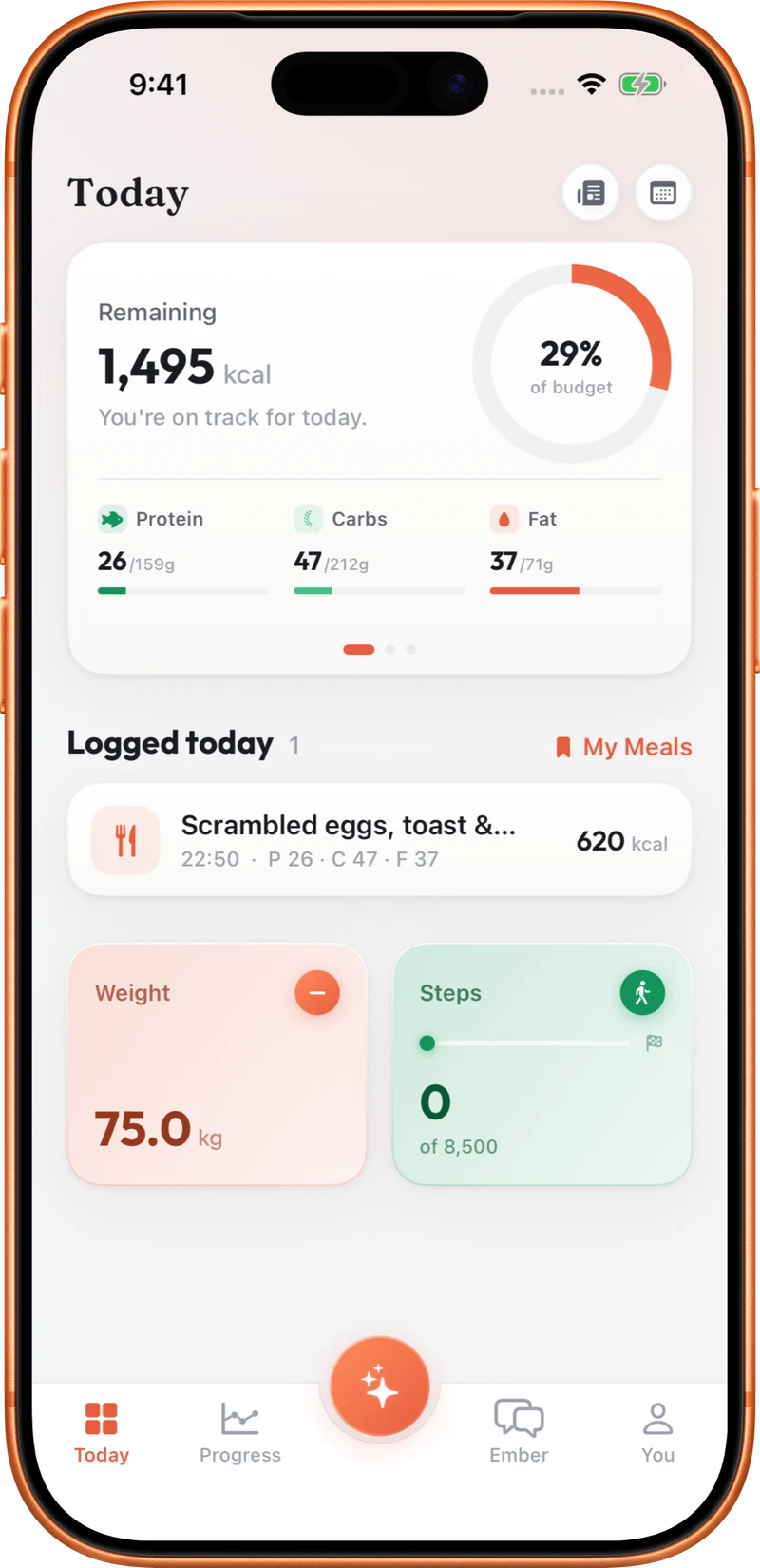
Use text or voice to describe what you did and for how long. “I did a 45 minute run” gives CutWise both the activity and duration.
Review the workout details and estimated calorie burn. Correct the entry if the activity, duration or estimate does not match your session.
Log the workout alongside the rest of your day. With permission, CutWise can also write logged workouts to Apple Health.
By default, your Programme has a steady calorie target that already accounts for your selected activity level. You can opt into eating back logged workouts in onboarding or Settings. An AI estimate of workout calories is not a direct measurement of energy burned. Apple Health can also supply workout data, so check whether a session is already present before logging it again by hand.
Include the duration in your description. “I did a 45 minute run” is a clearer starting point than “I exercised”.
Yes. Speak the activity and duration, review the result and confirm it. You can type the same description instead.
No. Eating back logged workouts is optional. Leave it off for a steady target, or enable it in onboarding or Settings.
Yes, with the relevant permissions. It can read workouts and write logged sessions. CutWise avoids writing a second standalone Active Energy entry for workouts it saves.
Explore food logging, your Programme, coaching and activity tracking.