Describe the meal
Say the foods, drinks and quantities you remember. For example: two eggs, one slice of sourdough toast with butter, and a flat white.
Voice food logging
Describe your meal in your own words. CutWise turns your description into a calorie and macro estimate that you can check, adjust and log on your iPhone.

Free to start. Optional Pro subscription.
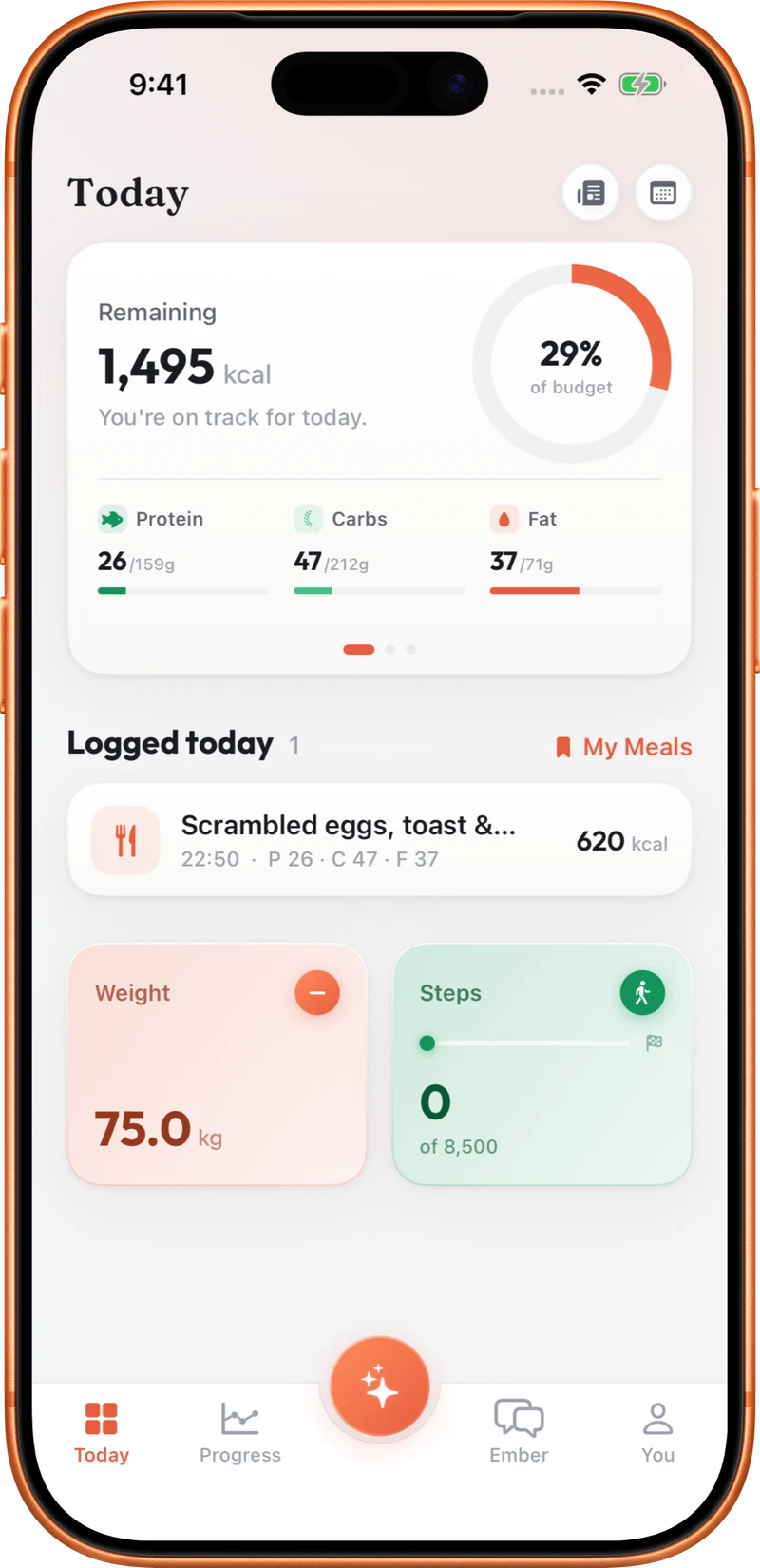
Say the foods, drinks and quantities you remember. For example: two eggs, one slice of sourdough toast with butter, and a flat white.
Check that CutWise understood the meal. Be specific about sizes, preparation and extras when they affect the portion.
Adjust any items that need correcting and confirm the entry. Save meals you eat regularly so they are easier to log again.
Saying chicken and rice leaves a lot open to interpretation. Adding a portion, cooking method and sauce helps describe what you actually ate. You do not need a special command or a perfectly written food name, but you should still check the resulting estimate. You can also say “I did a 45 minute run” to start a workout log and review its duration and estimated calorie burn. Voice is one of four food logging options alongside text, photo and barcode.
Include drinks and extras in your description: a latte, dressing or butter can be easy to leave out when recalling a meal.
No. Describe the meal naturally. Foods, quantities and preparation details give the estimate more context.
Yes. Review the estimate and adjust items or portions before confirming it, just as you would with a photo or text estimate.
Yes. Text logging is available alongside voice, photo and Scan, so you can choose what suits the moment.
Explore food logging, your Programme, coaching and activity tracking.