Connect Apple Health
Open the Apple Health integration and allow CutWise to read steps. The step count depends on the data available in Apple Health.
Step tracking
Bring your Apple Health step count into CutWise and see it alongside your food log. Today puts your steps, daily target and nutrition tracking together on your iPhone.

Free to start. Optional Pro subscription.
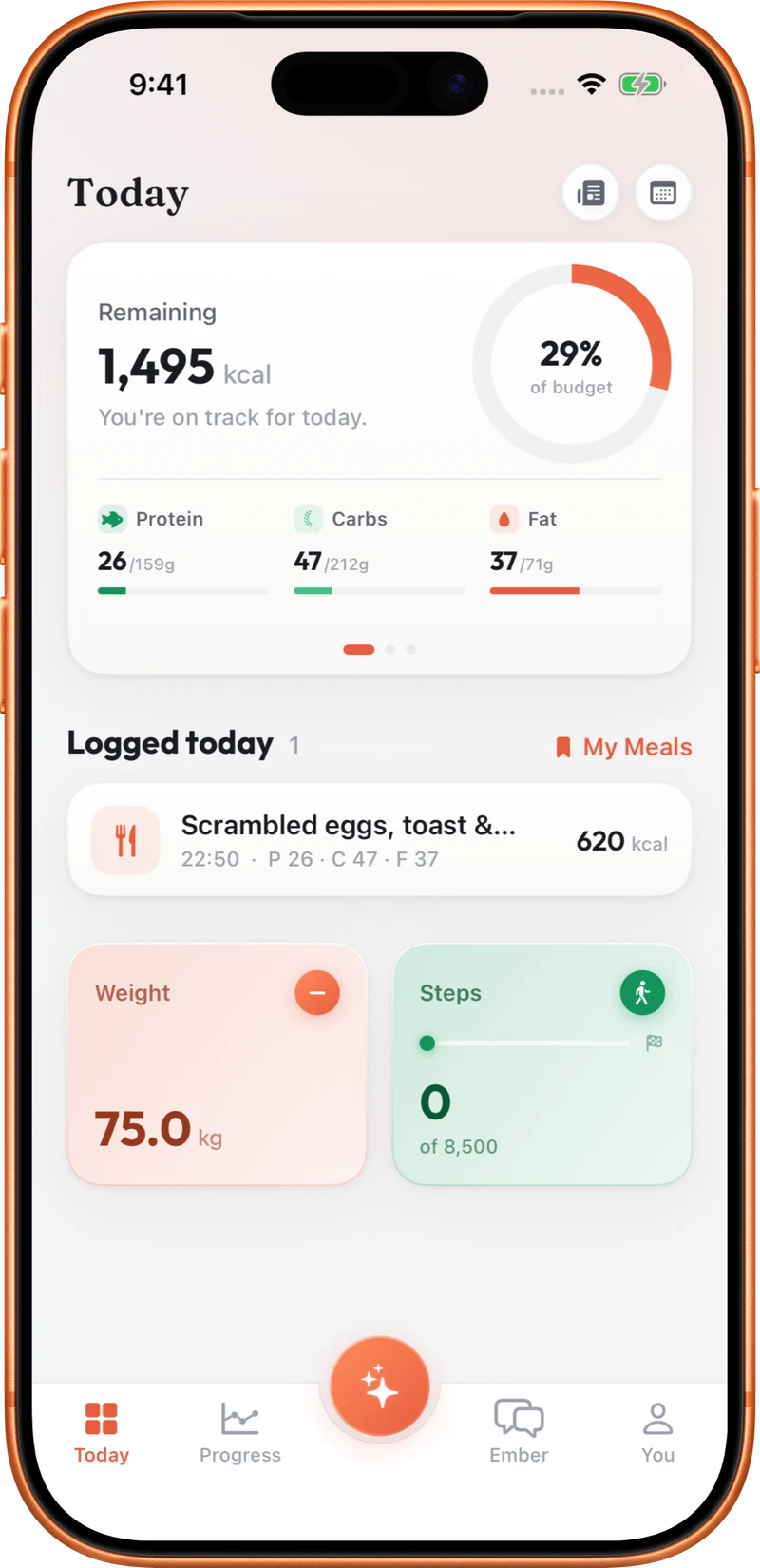
Open the Apple Health integration and allow CutWise to read steps. The step count depends on the data available in Apple Health.
View your steps on Today and see how the total compares with your daily step target.
Add a CutWise Home Screen widget to check your steps without opening the app. Return to Today for your food and activity overview.
A step count records movement accumulated through the day. A workout log records a session, such as a 45-minute run. CutWise can show both alongside your nutrition, but reading steps is different from estimating a workout from text or voice. Apple Health permissions and the timing of source updates affect what appears in the app; CutWise does not need you to describe every walk to build the Health step total.
If your count looks incomplete, check whether Apple Health has the steps and whether CutWise has permission to read them.
Yes. With permission, CutWise reads the daily step totals available in Apple Health.
No. Connected step tracking reads Apple Health data. Text and voice workout logging are separate ways to record activity sessions.
Yes. Relevant recorded steps and workout data can provide context when you ask Ember Coach about your day or Programme.
Explore food logging, your Programme, coaching and activity tracking.